Ever wanted a copy of Windows you can take with you wherever you go, to use on any computer you want? It's possible: here's how to install a portable version of Windows 8 on a USB hard drive that you can take anywhere.


BlackBerry's new Curves 9350, 9360 and 9370 are designed for customers looking to upgrade their existing feature phone or existing BlackBerry Curve...
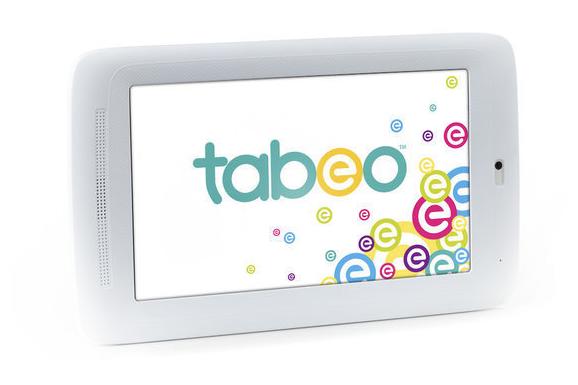
Toys R Us is launching its own tablet designed for children, to be sold exclusively at its stores, as the world's largest specialty toy retailer gears up...

The HTC One X flagship Android smartphone, HTC unveiled their new One series of Smartphones, all four of which have Beats audio and feature...

Are you looking for a high-end compact digital camera? Well, The Nikon P7100 Digital Camera is best for road trips and vacations, grab the Nikon Coolpix P7100...

The Samsung Galaxy Tab 7.0 Plus is actually thicker than its larger brother the Galaxy Tab 10.1. It does - offering enhanced portability through the light...


